 X / Twitter
 Threads
 Instagram
 YouTube
 Telegram
 Xiaohongshu
 Weibo
 Jike
 Pinterest
 WeChat
 Xiaoheihe
 Dgtle
 Coolapk
Share Sheet Extension
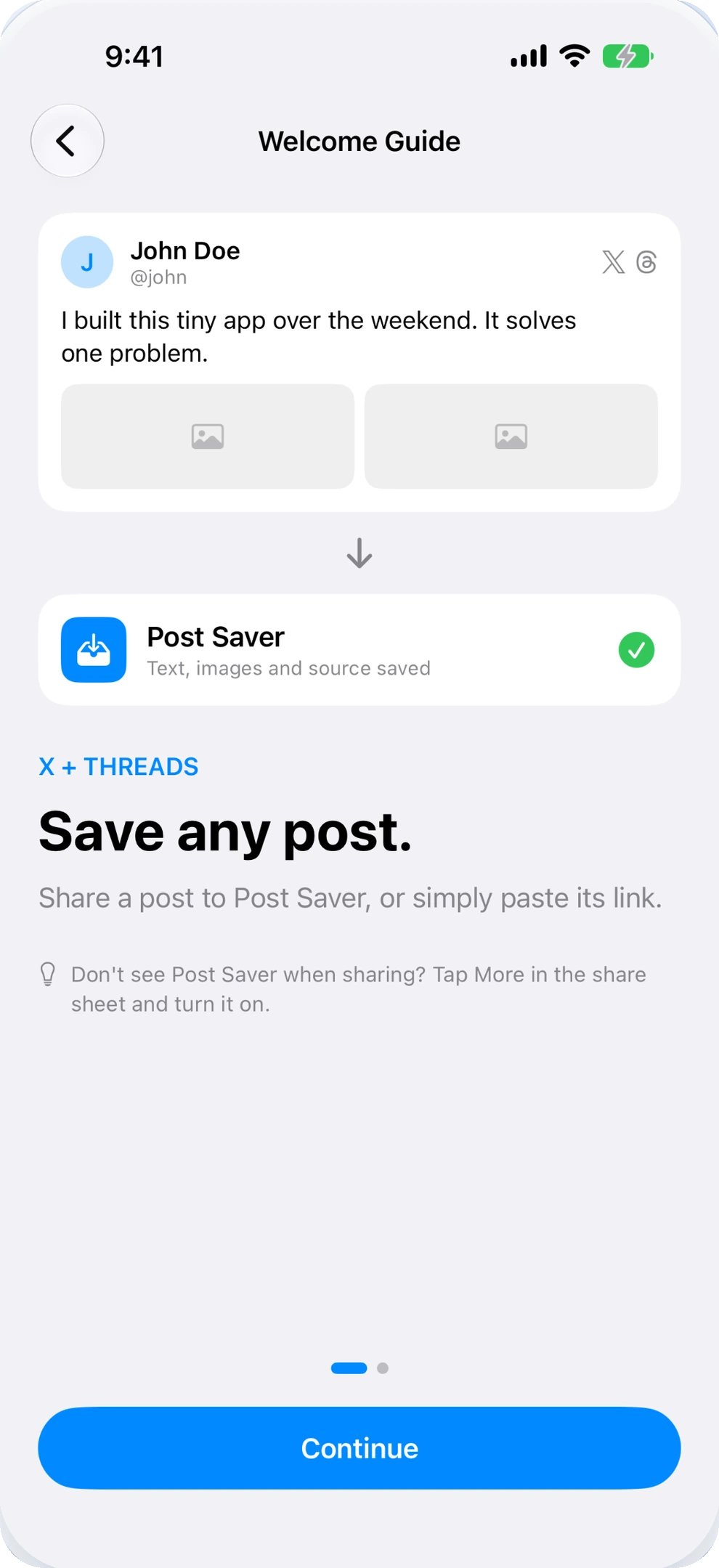
Tap Share in X, choose Post Saver, and you're done. No need to copy links or leave your timeline.
X (TWITTER) BOOKMARK SAVER FOR IPHONE
Stop letting great ideas drown in your bookmarks.
Native X bookmarks are hard to organize and easily lost.
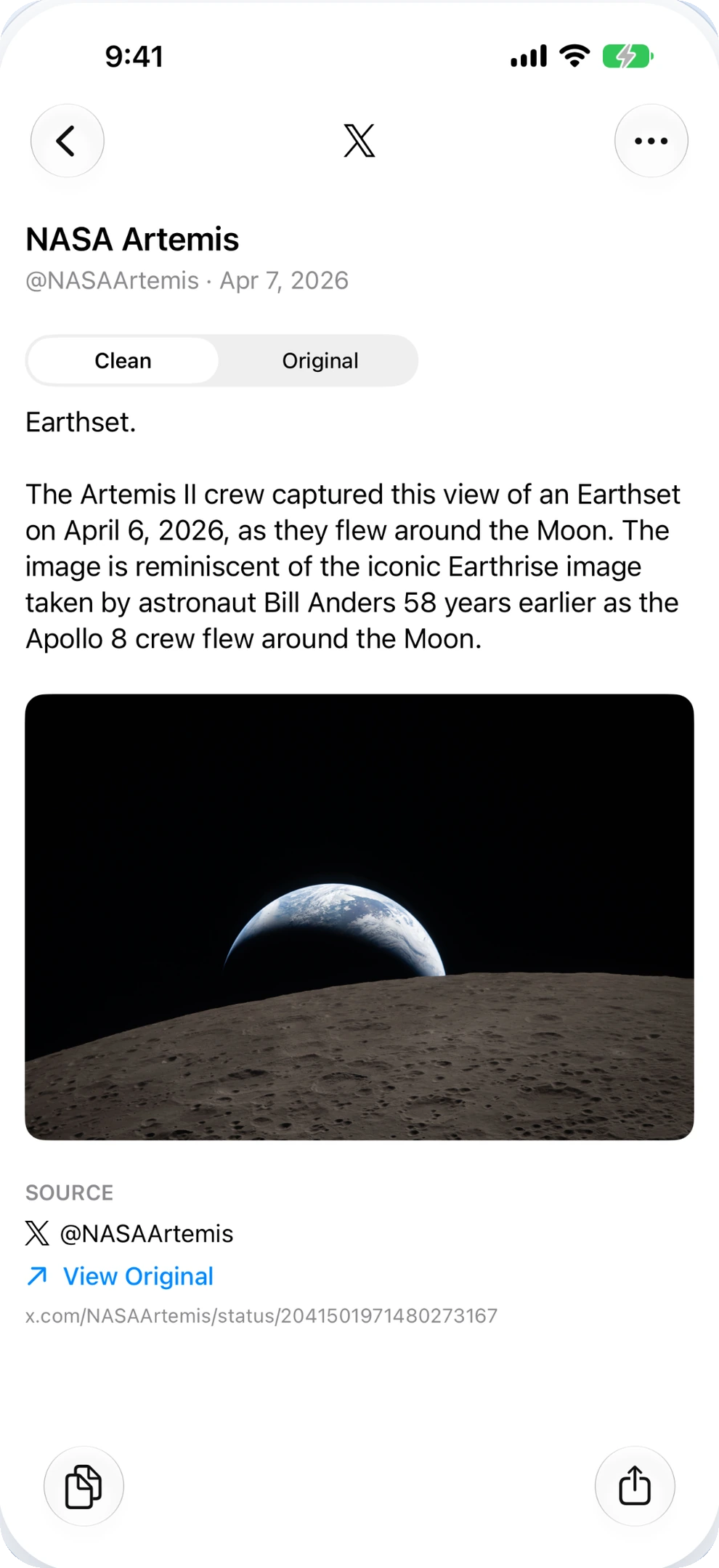
Post Saver extracts clean text, saves high-res images, and keeps original links safe on your iPhone.
WHY POST SAVER BEATS DEFAULT BOOKMARKS
Twitter bookmarks pile up with no structure and zero offline reading.
Post Saver turns scattered tweets into a searchable personal library.
Tap Share in X, choose Post Saver, and you're done. No need to copy links or leave your timeline.
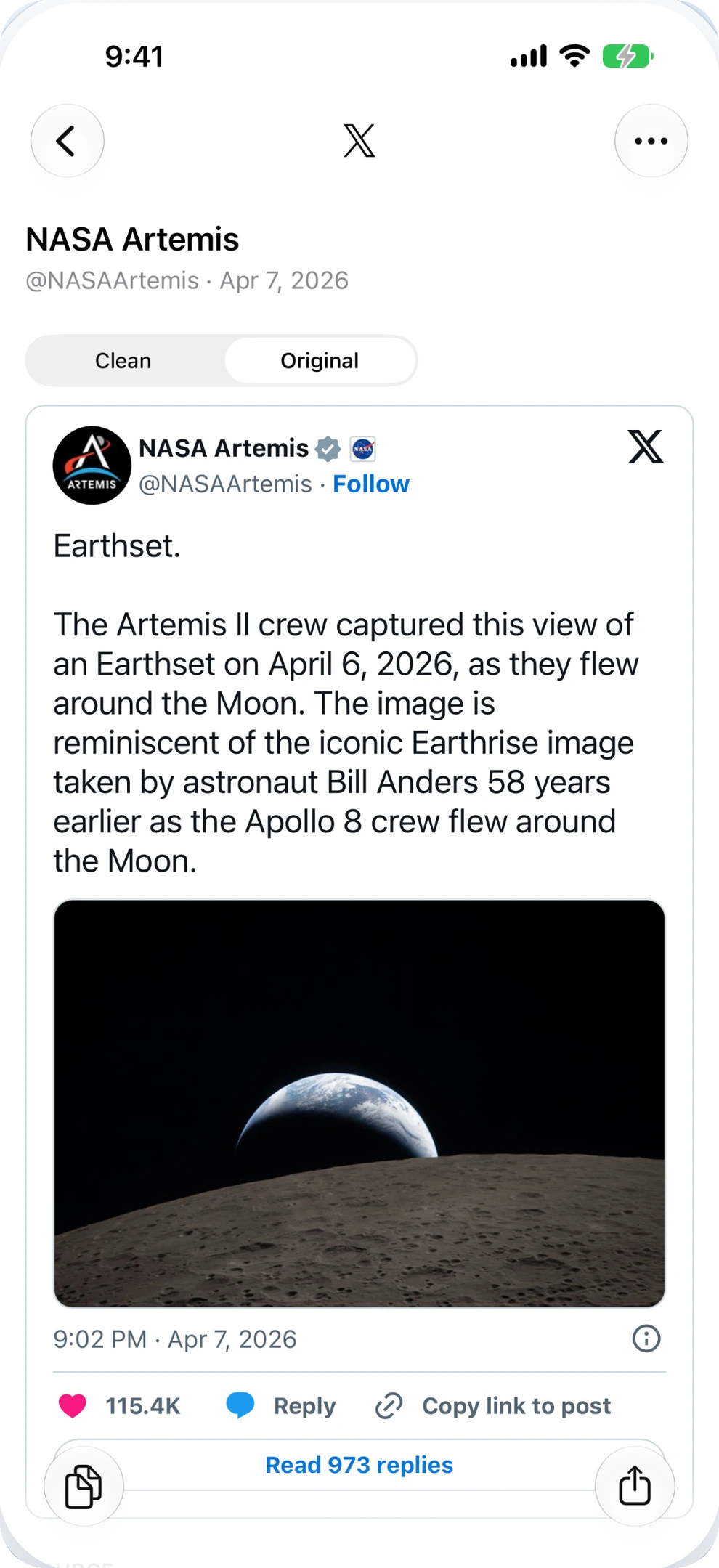
Get rid of tracking parameters, redundant buttons, and hashtags. Copy pure text directly into Notion or Apple Notes.
Photos and graphics download straight to your device. Export to Photos anytime, even if the tweet gets deleted.
DISTRACTION-FREE READING
Strip out ugly t.co redirect URLs and tracking tags. Keep the author, original post URL, and quote text intact.
Perfect for researchers, creators, and lifelong learners.
The best ideas often start with something small. Save what catches your eye. Come back when you're ready to make it your own.
SIMPLE 3-STEP WORKFLOW
Browse your feed or bookmarks on X and find a post, thread, or photo you want to keep.
Open iOS Share Sheet and select Post Saver. The post is captured immediately in the background.
Read offline, copy clean quotes into your notes, or export high-res images to your camera roll.
FREQUENTLY ASKED QUESTIONS
Simply tap the Share button on any public post in the X app, select Post Saver from the iOS share sheet, and the post text and images are saved immediately. Alternatively, copy the post link and tap + in Post Saver.
Yes. Images attached to saved X posts are downloaded in high resolution. You can view them anytime offline and export them directly to your iPhone Photos library with a single tap.
Once saved to Post Saver, the post text and downloaded images are stored locally on your iPhone, so your personal archive remains readable even if the original post is removed online.
No login or API token is required. Post Saver works seamlessly with public posts without asking for your social account credentials.

Post Saver for iPhone. Available now on the App Store.
Download on the App Store