 Xiaohongshu (RedNote)
 Instagram
 X / Twitter
 Threads
 YouTube
 Pinterest
 Telegram
 Weibo
 Jike
 WeChat
Full note text, not just images
Extract every word, ingredient list, step-by-step direction, and emoji. Copy clear, clean markdown text directly into your favorite note-taking apps like Notion or Obsidian.
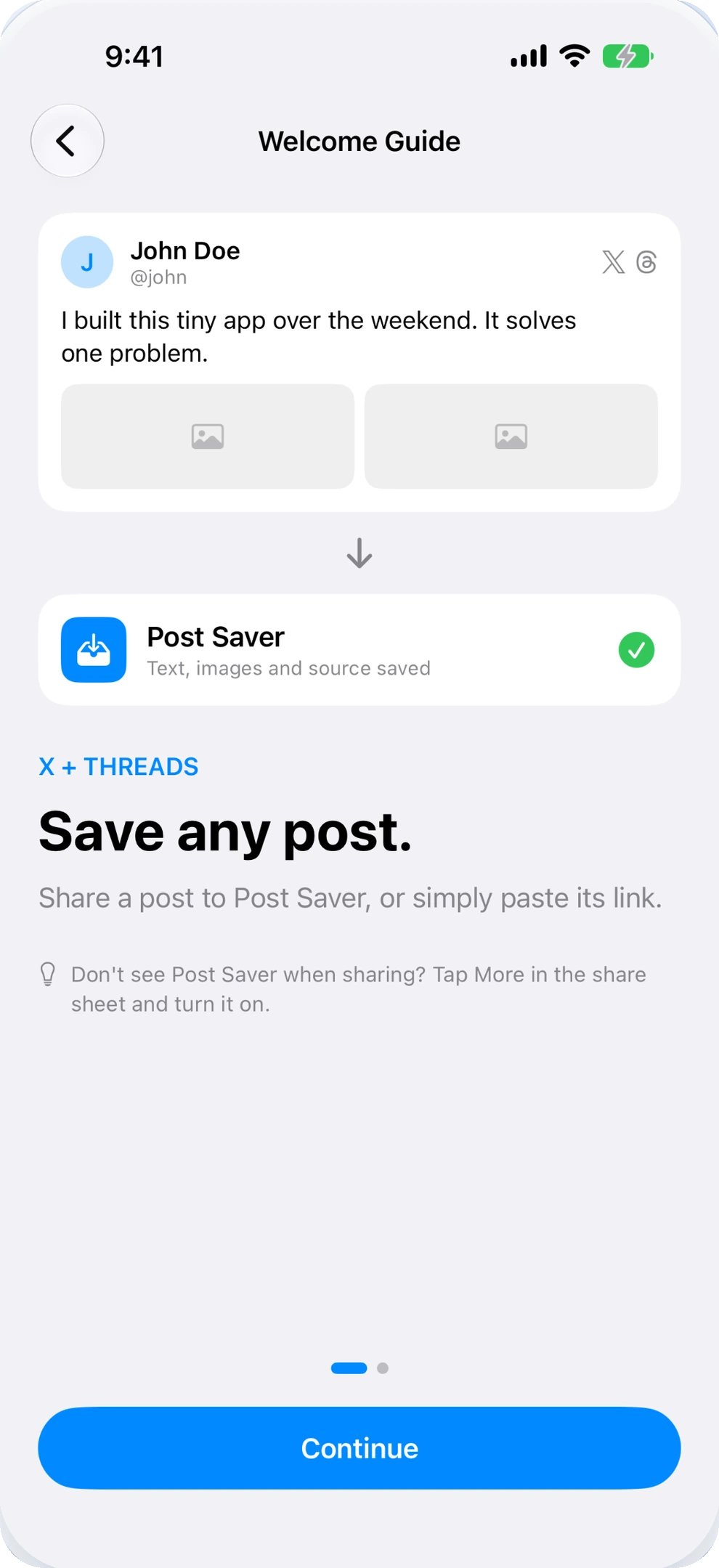
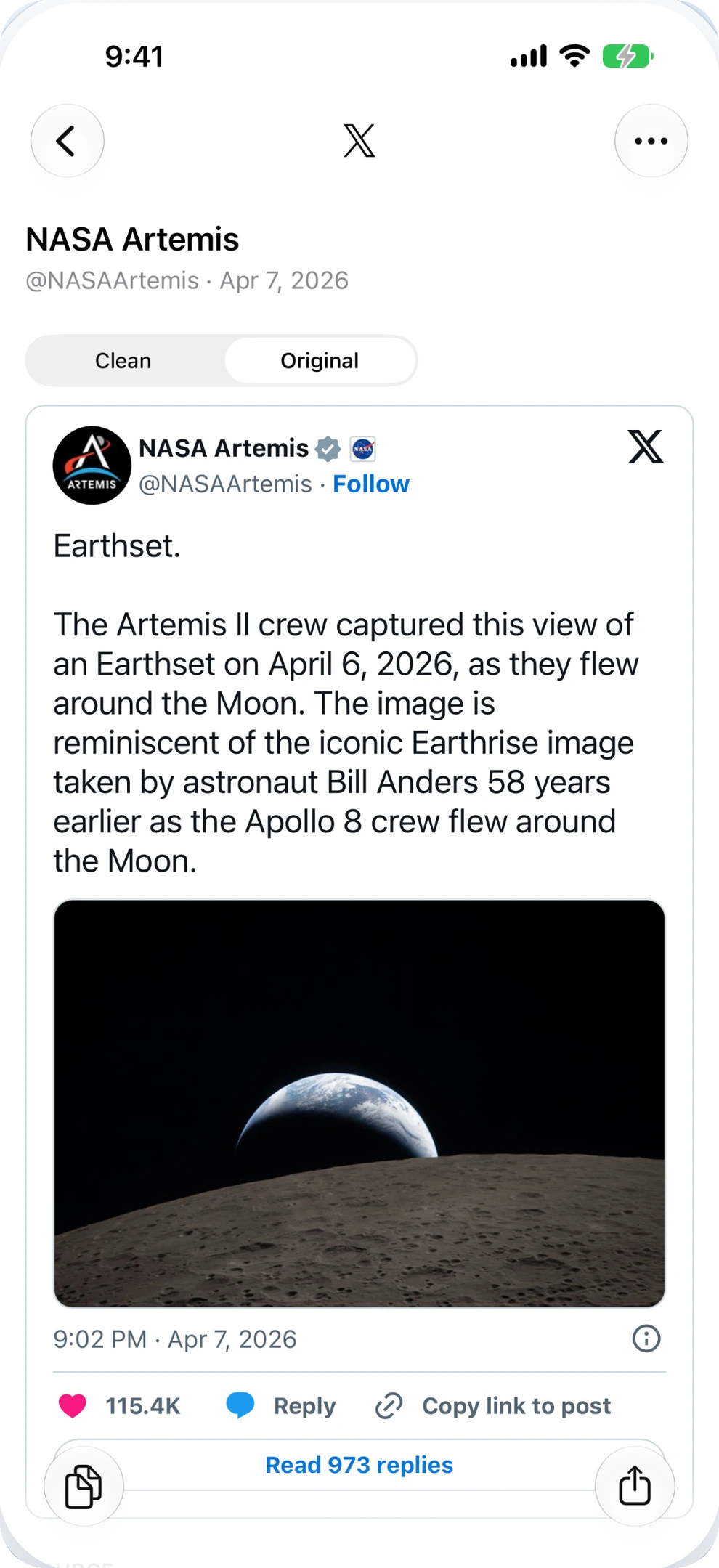
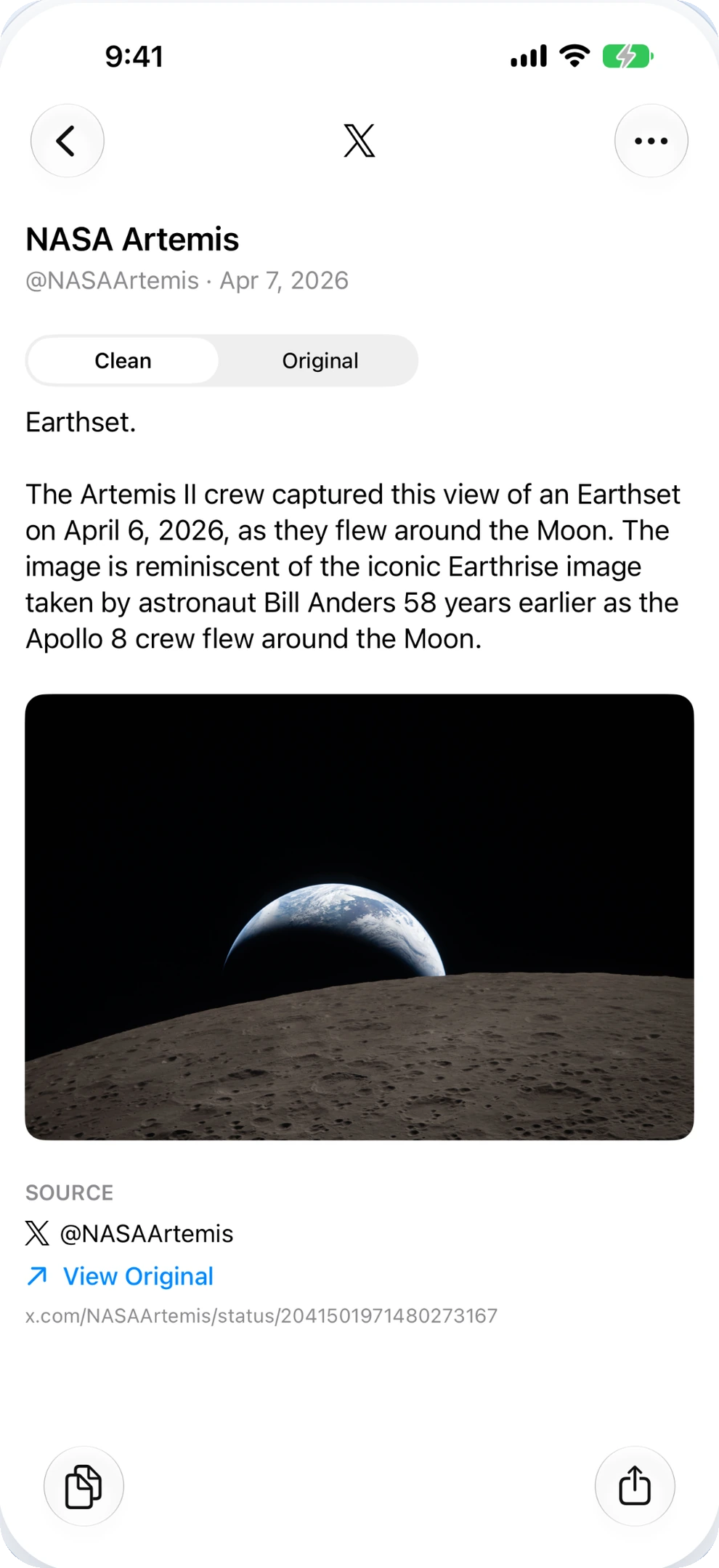
XIAOHONGSHU & REDNOTE SAVER FOR IPHONE
Recipes, travel itineraries, and styling guides — kept together forever.
Xiaohongshu (RedNote / Little Red Book) is filled with world-class inspiration.
Post Saver extracts the complete note text, saves all images in full resolution, and organizes everything into an offline, searchable library on your iPhone.
A REAL ARCHIVE, NOT A PILE OF SCREENSHOTS
Whether you know it as Xiaohongshu, RedNote, or Little Red Book, everyone faces the same frustration:
taking dozens of screenshots leaves your Photos camera roll cluttered, photo galleries out of order, and the essential text unsearchable when you're actually at the grocery store or traveling.
Extract every word, ingredient list, step-by-step direction, and emoji. Copy clear, clean markdown text directly into your favorite note-taking apps like Notion or Obsidian.
Notes with 6, 9, or 18 photos are saved completely as an uncropped horizontal strip. Pictures download in high definition and can be exported back to your Photos album in one tap.
Can't remember when you saved that Tokyo cafe or pasta recipe? Pull down to search any keyword from the note description, title, or creator handle, with zero internet connection required.
HEAD-TO-HEAD COMPARISON
Why relying on screenshots or sketchy web downloaders leaves your favorite guides vulnerable.
| Capability | Phone Screenshots | Web Downloaders | Post Saver for iPhone |
|---|---|---|---|
| Complete Note Text Captures full recipe / tips / text |
✗ Broken into images | ✗ Media only | ✓ Full clean text |
| Offline Searchability Search by keyword, author, or city |
✗ Clutters camera roll | ✗ No library | ✓ Instant local search |
| Post Deletion Survival Content stays when creator deletes note |
✓ (If not lost in roll) | ✗ Download files lost | ✓ Safe in local database |
| Image Quality & Order Original proportions, sequence intact |
✗ UI overlays / cropped | ✗ Unsorted files | ✓ HD ordered carousel |
| Original Source Credit Preserves creator handle and original link |
✗ Lost forever | ✗ Stripped away | ✓ Source & author kept |
DISTRACTION-FREE READING
Extract detailed cooking proportions, itinerary stops, and beauty advice trapped in long Xiaohongshu descriptions. Copy pure text without UI buttons or promotional banners.
Whether you're following a 10-step culinary recipe or exploring Kyoto alleys, your saved notes work seamlessly offline.
Authentic Scallion Oil Noodles (葱油拌面) 1. Finely slice 200g green spring onions, separating the white and green stalks. 2. Heat 100ml vegetable oil in a wok over medium-low heat. Add the white stalks first until fragrant. 3. Add green stalks and simmer for 15 minutes until golden brown and crispy. 4. Stir in 3 tbsp light soy sauce, 1.5 tbsp dark soy sauce, and 1 tbsp sugar. Simmer for 2 minutes. 5. Boil fresh noodles, toss with 2 tbsp scallion oil sauce, and top with crispy scallions.
SIMPLE 3-STEP WORKFLOW
Two lightning-fast ways to save directly on your iPhone.
In Xiaohongshu / RedNote, tap the share arrow (top right or bottom bar) and choose Copy Link, or pick More → Post Saver directly from the iOS Share Sheet.
Post Saver detects the copied link automatically. Tap Save to extract the full note description and download all photos simultaneously.
File into custom color-coded folders (like "Recipes", "Travel", or "Aesthetics"), search anytime, or export images back to your camera roll.
100% PRIVATE & ON-DEVICE
You do not need to link your Xiaohongshu profile or provide any phone numbers or verification codes. Post Saver stores your notes directly inside your iPhone's local sandbox, with zero cloud tracking and zero advertising.
Read our Privacy PolicyFREQUENTLY ASKED QUESTIONS
Common questions about saving and organizing Little Red Book notes on iPhone.
Yes. Xiaohongshu (小红书) is commonly called RedNote in international App Stores and Little Red Book in English-speaking communities. They share the same underlying content database, and Post Saver works universally with all their public sharing links.
Post Saver resolves the note's original photo identifiers to request high-definition images straight from official CDN endpoints, prioritizing clean unwatermarked original assets whenever provided by the source server.
Your saved copy is completely independent of the remote server. Because the text and images are downloaded locally to your iPhone, your notes remain completely intact and searchable even if the original post gets removed online.
Yes. Video notes are saved with their full title, description text, and high-definition poster cover. You can play or stream the video smoothly inside Post Saver's built-in player whenever connected to the internet.
No. Post Saver does not require any account registration, phone number, or login credentials. It functions as a private, standalone bookmark and media organizer for your iPhone.

Post Saver for iPhone. Keep the recipes, itineraries, and wisdom you love.
