 Instagram
 X / Twitter
 Threads
 YouTube
 Xiaohongshu
 Pinterest
 Telegram
 Weibo
 Jike
 WeChat
Share from Instagram in one tap
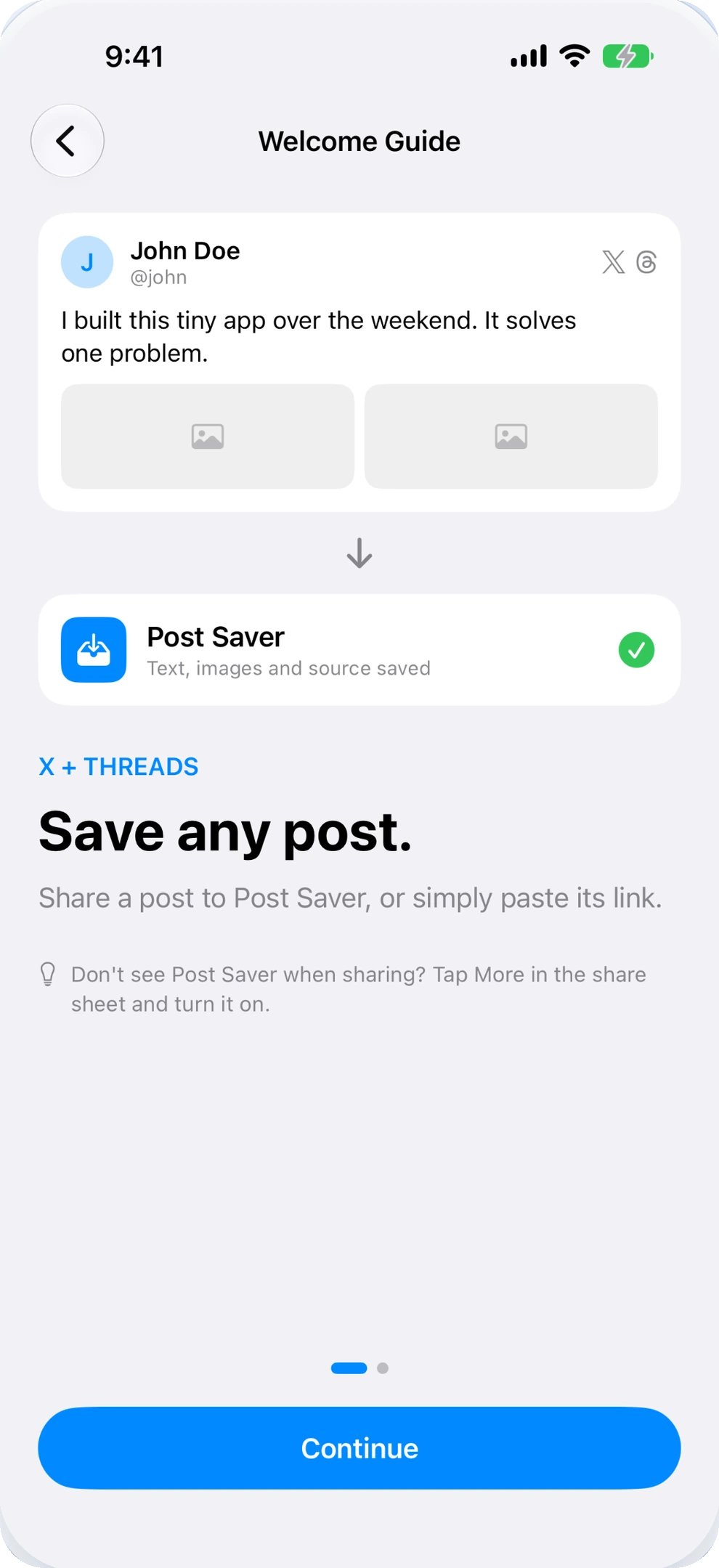
Tap the paper plane share icon below any post and pick Post Saver. The post caption, creator handle, and full-resolution images are archived instantly without switching apps.
INSTAGRAM POST SAVER & ORGANIZER FOR IPHONE
Stop letting great visual gems get buried in unsearchable Collections.
Instagram Collections are tedious to organize and completely unsearchable.
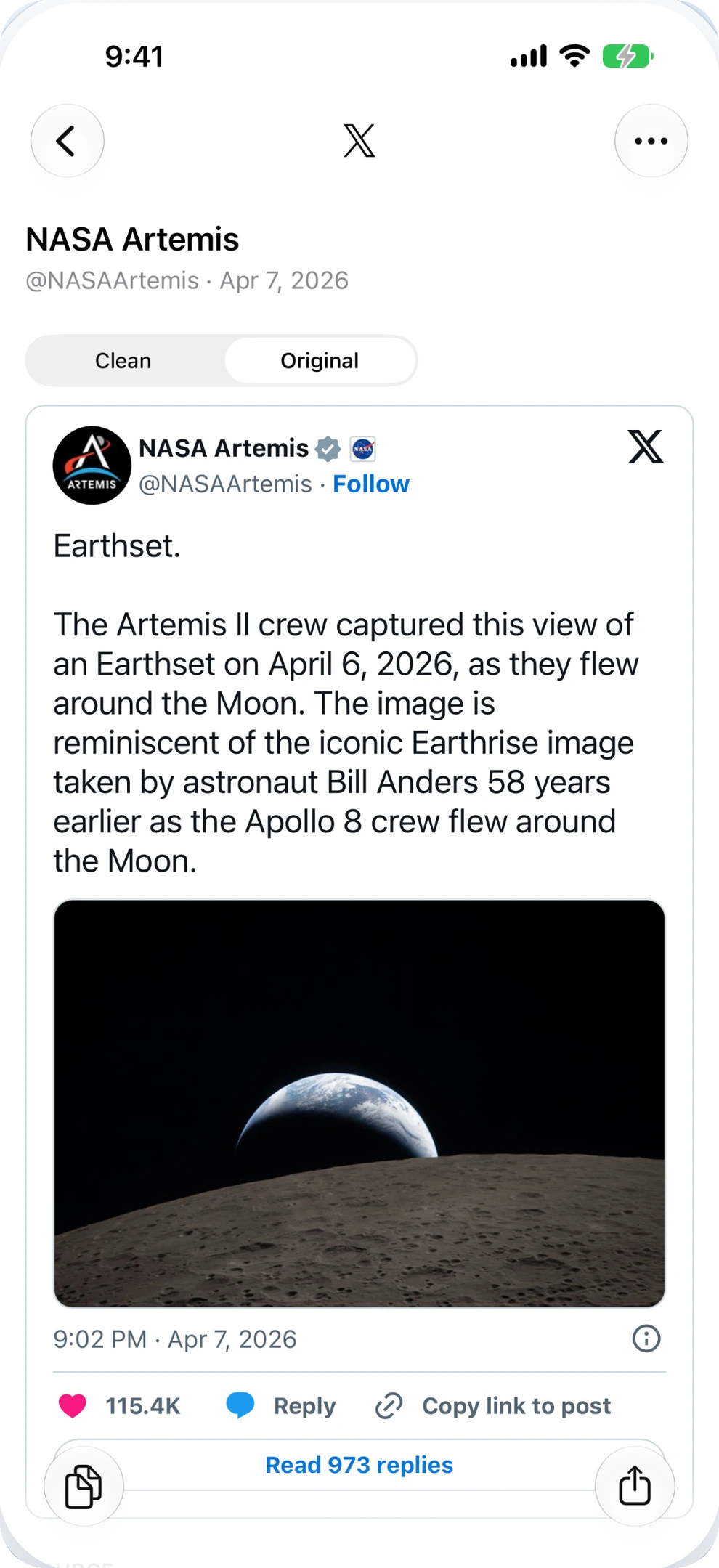
Post Saver extracts clean captions, downloads high-res carousel photos, and builds an offline searchable library on your iPhone.
Unified bookmarking across your feeds.
Keep the gems from Instagram and beyond.
BEYOND NATIVE COLLECTIONS
You tap the bookmark icon on an inspiring design recipe, a photography tip, or a thoughtful caption.
Months later, when you actually need it, good luck scrolling through hundreds of uncategorized thumbnails.
Tap the paper plane share icon below any post and pick Post Saver. The post caption, creator handle, and full-resolution images are archived instantly without switching apps.
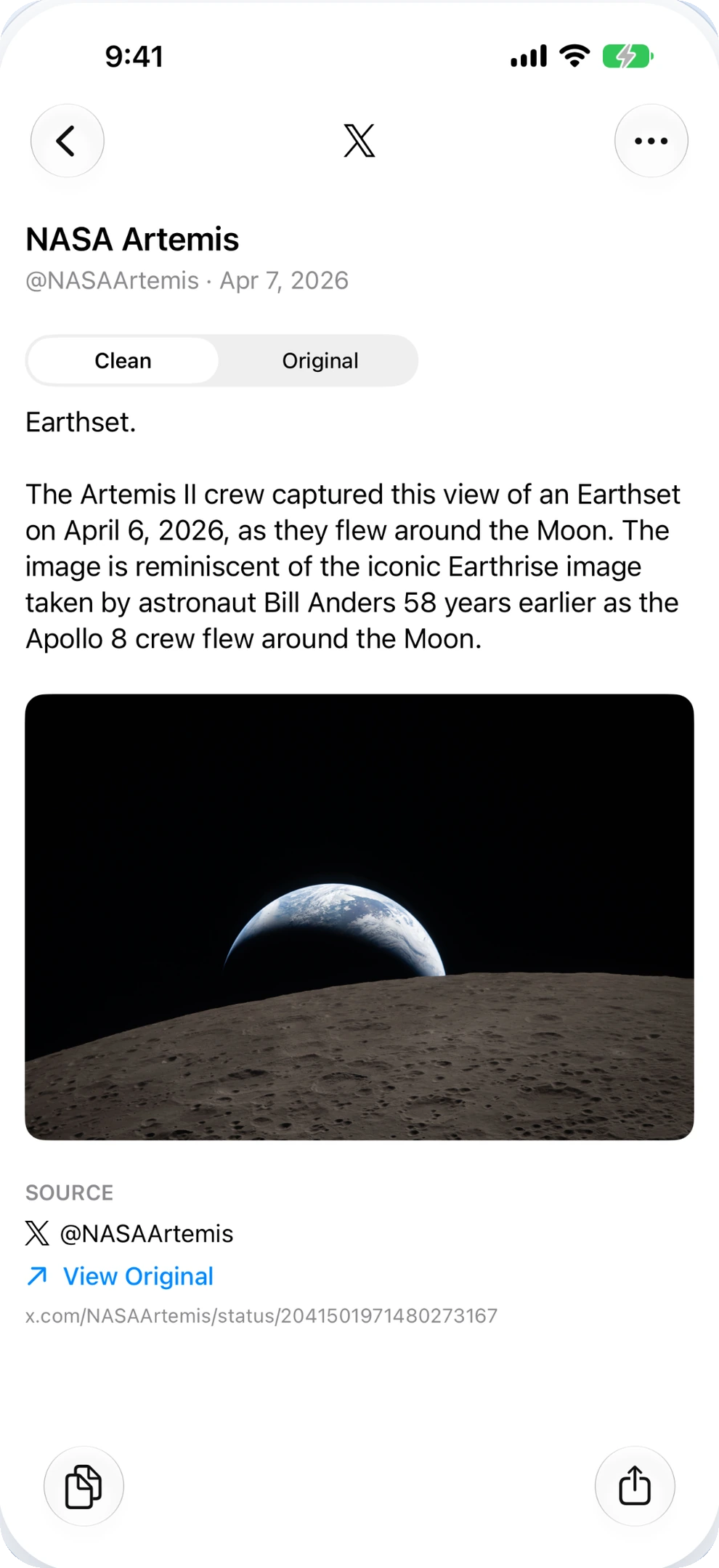
Instagram makes copying text frustratingly clunky. Post Saver extracts clean caption paragraphs, hashtags, and formatting, ready to paste straight into Apple Notes, Obsidian, or Bear.
Full multi-image carousels and graphics download directly to your iPhone. Browse your library on a flight or subway with zero internet, and export photos to your camera roll anytime.
HEAD-TO-HEAD COMPARISON
Why thousands of creators, researchers, and collectors choose a dedicated iPhone archive over default in-app bookmarks.
| Feature | Native Instagram Saved | Post Saver for iPhone |
|---|---|---|
| Full-Text & Keyword Search Search captions, topics, handles, and quotes |
✗ (Thumbnail scroll only) | ✓ Instant local search |
| Post Deletion Protection Keeps content if the original post is removed or archived |
✗ (Vanishes immediately) | ✓ Permanent local archive |
| Offline Reading & Media Browse post text and downloaded photos without connection |
✗ (Requires live network) | ✓ 100% offline access |
| Cross-Platform Library Keep saves from Instagram, X, Threads, and XHS together |
✗ (Instagram silo only) | ✓ One unified library |
| Clean Caption Text Copying One-tap copy with author attribution and source link |
✗ (Clunky UI selection) | ✓ Clean Markdown / Text |
| Privacy & Local Storage No social tracking, no account registration required |
✗ (Feeds tracking algorithms) | ✓ Private on-device database |
DISTRACTION-FREE READING
Extract meaningful thoughts, recommendations, and step-by-step guides trapped inside Instagram captions. Tap to copy tidy text with author credit and original link attached.
Say goodbye to screenshots taking up space in your photo library with unsearchable text.
Good lighting isn't about having expensive gear; it's about understanding contrast, direction, and shadow. When framing your subject, notice how soft window light falls at a 45-degree angle. Let the shadows tell the other half of the story.
SIMPLE 3-STEP WORKFLOW
No complicated download websites. No browser extensions. Just seamless iOS sharing.
In the Instagram app, tap the paper plane / Share icon located beneath any public post, carousel album, or Reel.
Tap "Share via…" and choose Post Saver. The full caption and high-res photos are processed and downloaded silently.
Organize into color-coded folders, search by any word in the caption, or export photos straight to your Camera Roll.
100% PRIVATE & ON-DEVICE
Post Saver does not require your Instagram login, never tracks what you bookmark, and operates without third-party analytics or server-side databases. Your library is yours alone, backed up securely through standard Apple device backups.
Read our transparent Privacy PolicyFREQUENTLY ASKED QUESTIONS
Everything you need to know about archiving Instagram posts, carousels, and captions on iOS.
Once saved to Post Saver, the post caption text, author information, and downloaded high-resolution images remain permanently stored in your iPhone's local database. Even if the creator deletes the post or removes their account, your personal archive stays accessible offline.
Yes. For carousel posts containing multiple photos, Post Saver retrieves every single picture in original high quality, displaying them as a horizontally scrolling uncropped strip. You can export individual pictures or all carousel photos in a single tap.
No. Post Saver only processes public links. We do not ask for your Instagram account login or session cookies, and we strictly respect creator privacy boundaries. Posts from private or restricted accounts cannot be parsed.
Never. You do not need an account, password, or API token to use Post Saver. Sharing works through standard public post URLs and the native iOS system share sheet.
No. Instagram Stories are designed as temporary 24-hour media and depend on authenticated viewing states. Post Saver is built for permanent, high-value content: feed posts, carousel guides, recipes, and thoughtful captions.

Available on iPhone for iOS 26 and later. One tap to keep what inspires you.
