 X / Twitter
 Threads
 Instagram
 YouTube
 Telegram
 Xiaohongshu
 Weibo
 Jike
 Pinterest
 WeChat
 Xiaoheihe
 Dgtle
 Coolapk
Instant Save Extension
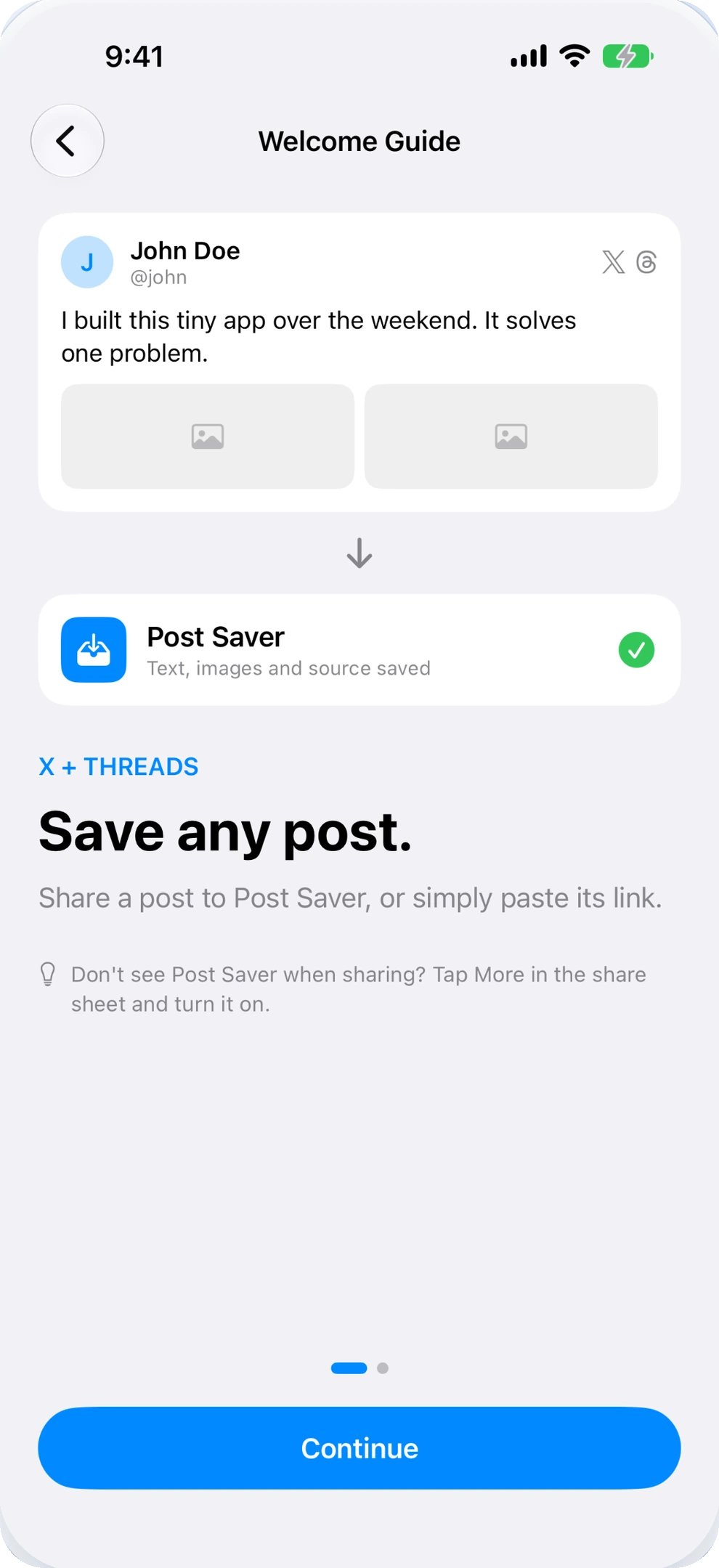
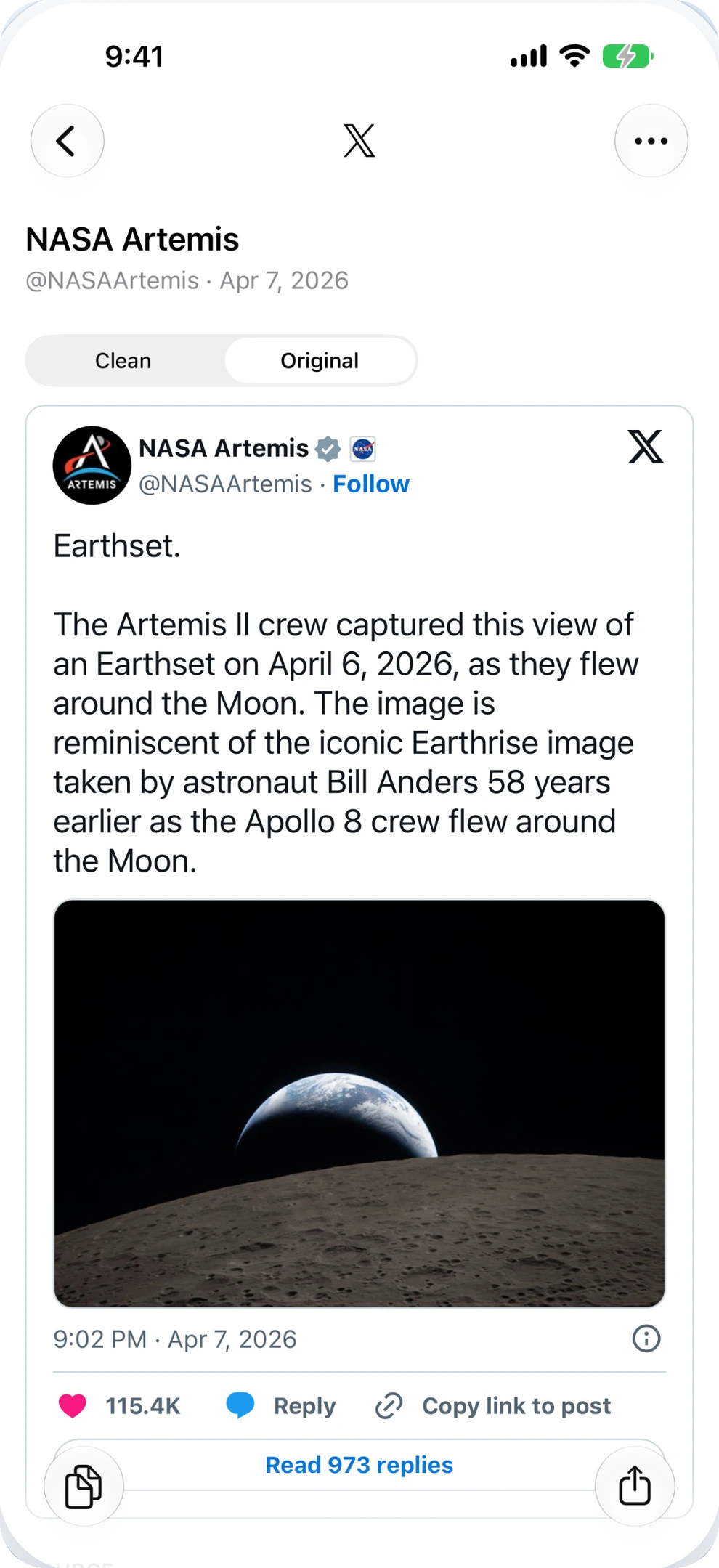
Share any Threads post directly via iOS share sheet. Post Saver captures the post text and media in the background.
THREADS POST SAVER FOR IPHONE
Insightful conversations. Saved in one tap.
Don't let valuable Threads discussions slip away as you scroll.
Save clean text, high-res photos, and source links straight to your iPhone.
DESIGNED FOR THOUGHTFUL READERS
Threads is filled with great advice, quotes, and visual stories.
Post Saver preserves them in an uncluttered, searchable personal archive.
Share any Threads post directly via iOS share sheet. Post Saver captures the post text and media in the background.
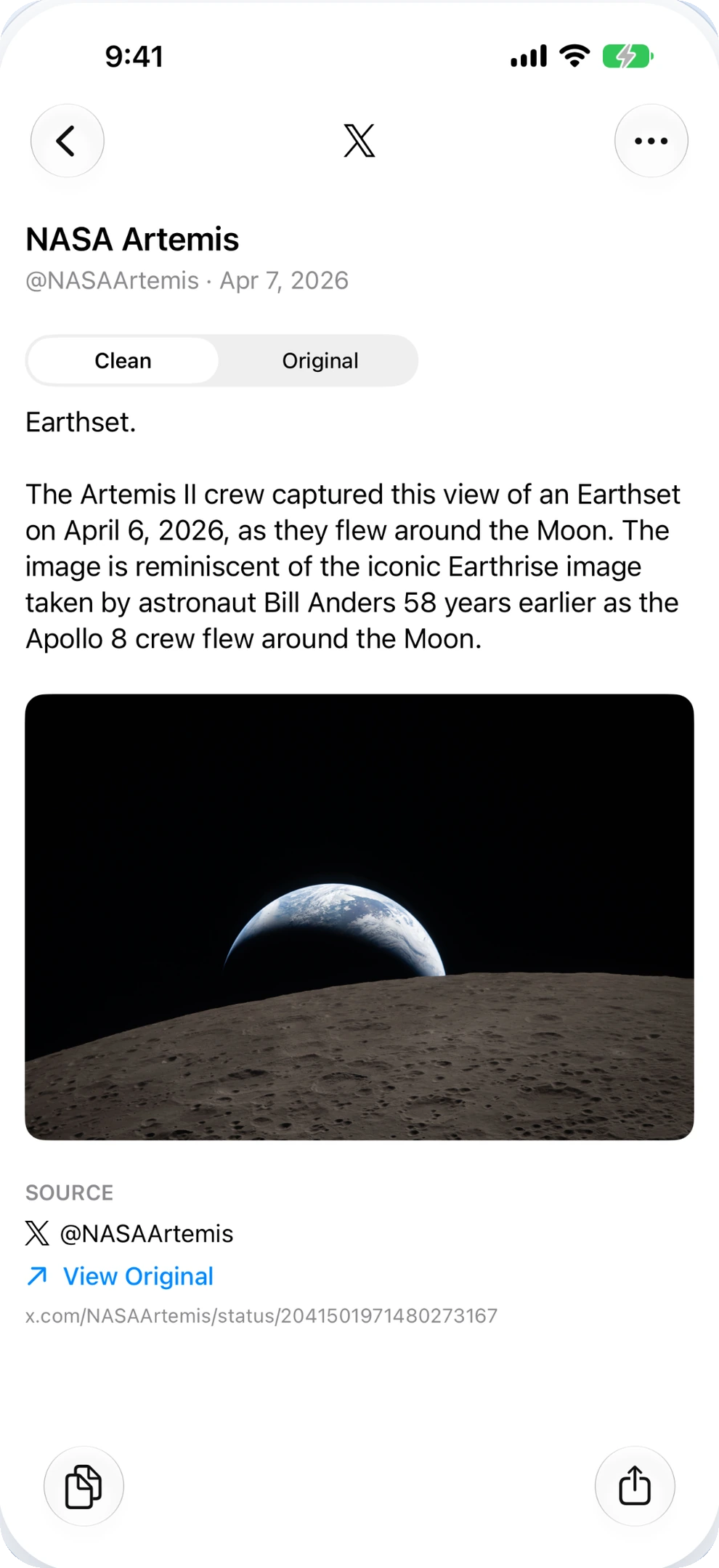
Strip unnecessary URL noise and formatting bugs. Copy readable text with author attribution ready for your notes.
Attached images are downloaded directly to your phone. Browse offline and export to your Photos camera roll whenever you want.
NO MORE JITTERY FORMATTING
Copy clear, human-readable text without feed clutter or tracking parameters. Keep author handles and source URLs neatly organized.
Take your favorite ideas into Notion, Obsidian, or Bear.
The best ideas often start with something small. Save what catches your eye. Come back when you're ready to make it your own.
HOW IT WORKS
Spot an insight or photo carousel on Threads that you want to keep for reference.
Tap the share icon under the post, choose Share via, and tap Post Saver.
Access your saved collection on your iPhone, search by keyword, and export images.
FREQUENTLY ASKED QUESTIONS
In the Threads app, tap the Share icon under any post, choose Share via... and select Post Saver. The post is processed and saved in seconds. You can also paste copied links into Post Saver.
Yes. When you save a post with attached photos, Post Saver downloads high-resolution copies locally. You can export them to your iPhone Photos library anytime.
Yes. Post Saver automatically removes tracking tags and interface elements, allowing you to copy cleanly formatted text with author credit into your note-taking app.
No. Post Saver is an independent utility app built by extrastu and is not affiliated with Meta Platforms or Threads.

Post Saver for iPhone. Available now on the App Store.
Download on the App Store